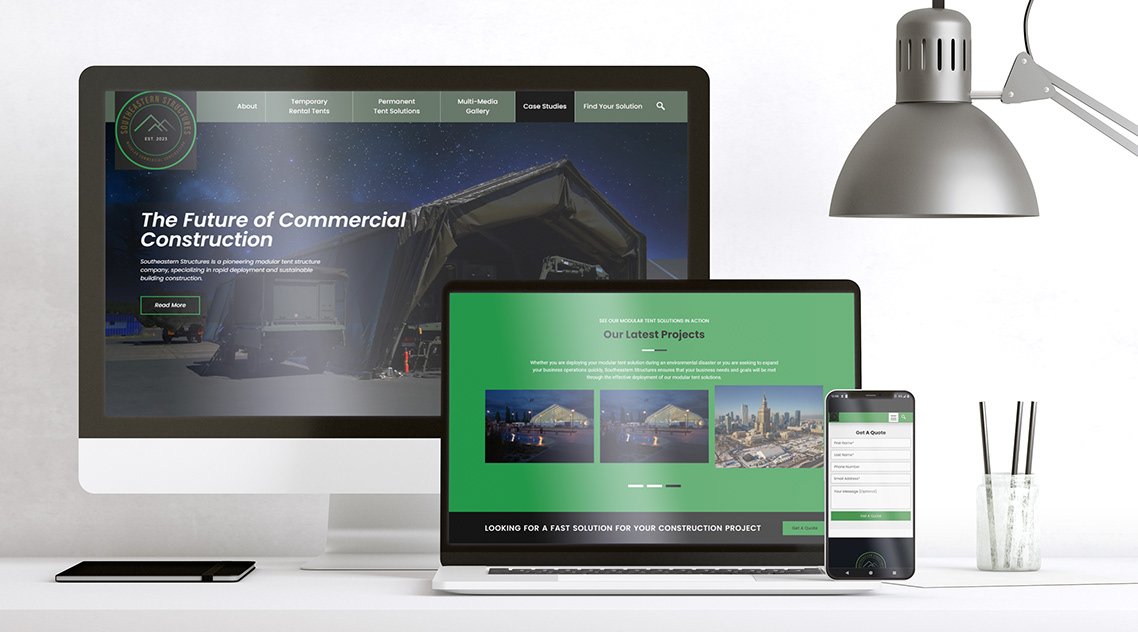
Quick website Tip #1 for online visibility
Have you ever hear the song, “Rockstar” by Nickelback? It’s lyrics say “everybody wants to be a rockstarrrr”. The same is true with real estate professionals, contractors, builders, investors, architects, artists, and engineers. They need and want to increase their online visibility and attract more traffic to their websites. One of the ways to do that is through effective search engine optimization or abbreviated, SEO.
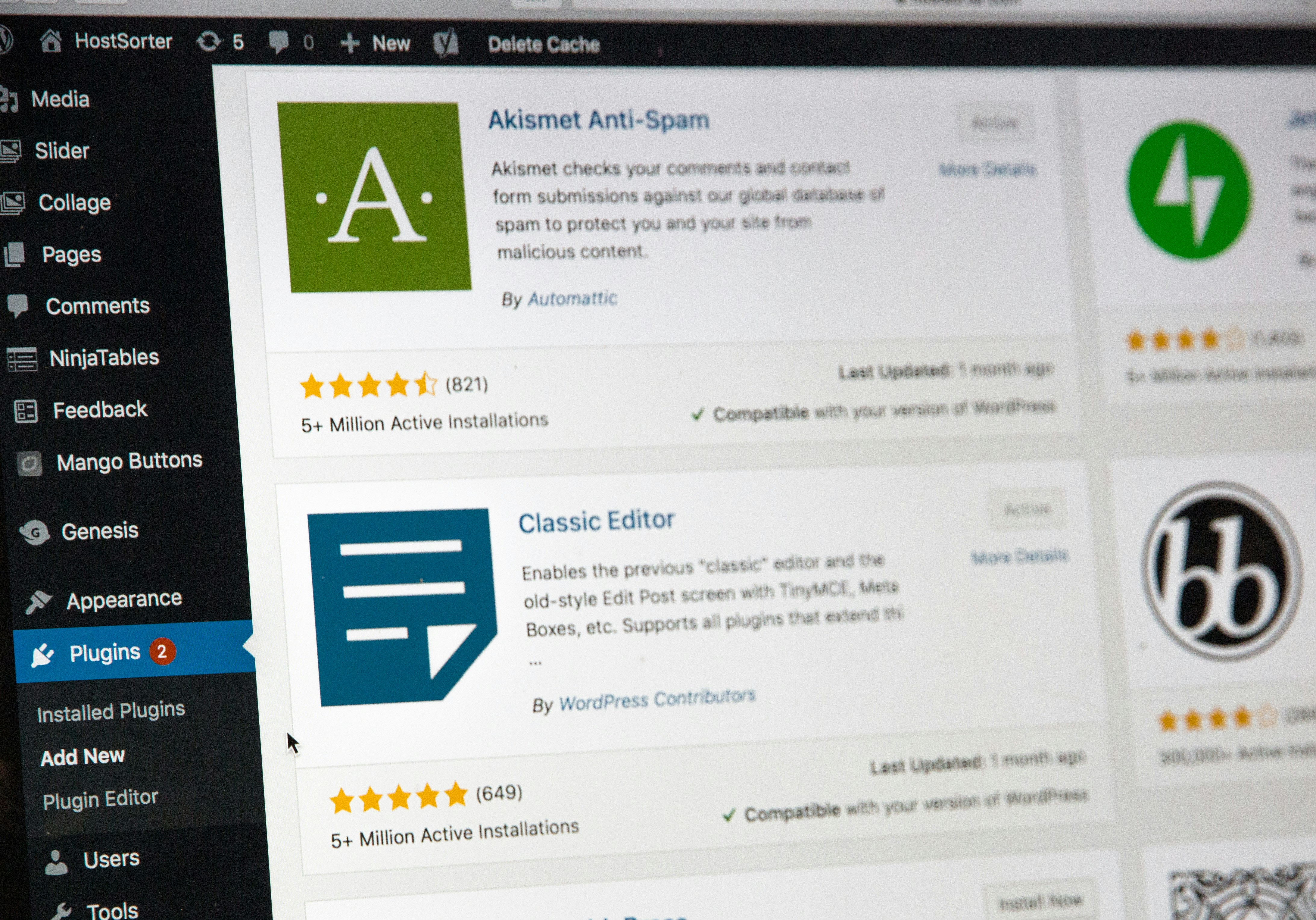
WordPress is one of the predominate platforms for business websites. As of early 2026, WordPress powers approximately 43% to 44% of all websites on the internet, which equates to over 455 million to 472 million websites worldwide. It holds a dominant ~62% share of the content management system (CMS) market. Over 650+ new WordPress sites are created daily. So I can generally bet as I research companies, that they are going to have WordPress powering their website.
I see a common lost opportunity with many of these websites. The authors or creators of the content to forget to rename the “uncategorized” category. This is the default category and if you’re writing content for years and years and it defaults to that, Google, Bing and other search engines don’t know how to find your article/post because it’s quite literally “uncategorized”.
Understanding the Importance of Categories in WordPress
Categories are essential organizational tools in WordPress that help structure your content effectively. They assist both readers and search engines in navigating your web pages. However, many new users overlook the default ‘Uncategorized’ category, leading to disorganization and potential confusion. It is vital to change the ‘Uncategorized’ category to something more relevant to enhance user experience and improve SEO.
How to Change the Default Uncategorized Category
To ensure your WordPress site maintains a clear structure, you must first rename the ‘Uncategorized’ category. Begin by logging into your WordPress dashboard, and navigate to ‘Posts’ and then ‘Categories.’ Here, you will see the ‘Uncategorized’ category listed. Hover over it, and click on the ‘Edit’ option. You can then rename it to a more appropriate category that reflects the theme of your content. Remember to click the ‘Update’ button to save your changes.
Assigning Posts to the New Category
After changing the category name, it is also important to assign existing posts to this new category. Go to ‘Posts’ and select ‘All Posts.’ Here, you can bulk edit your posts, assigning them to your newly created category. This practice not only helps in maintaining organization but also boosts the credibility of your website. A clear categorization strategy enhances user engagement and improves the chances of users returning to your site.


